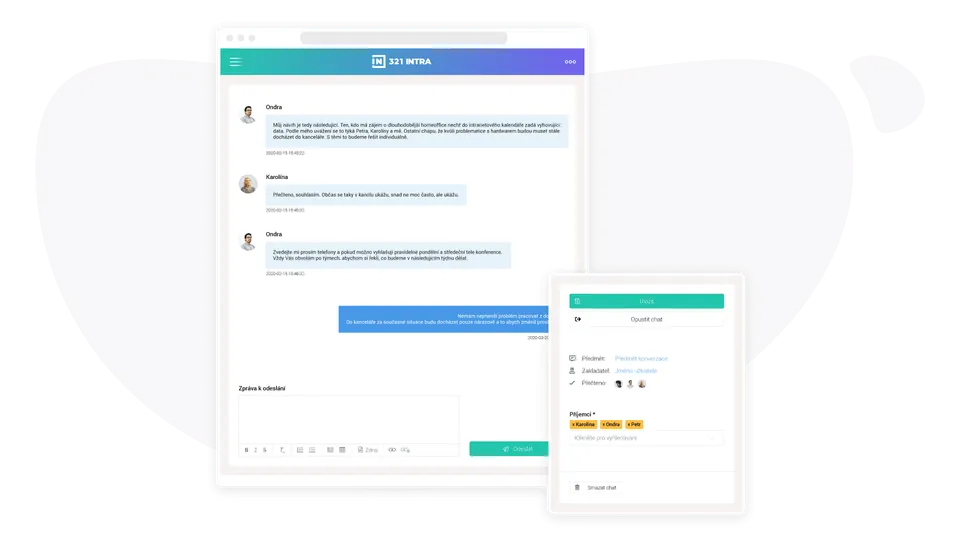
Communication
Team chat
Effective team communication in one place. Share information, documents and work files without unnecessary emails.
321 INTRA is a simple, clear online tool for company communication, project and job management and document sharing in one place. Chat, projects, calendar, attendance and shared documents work in the browser and on mobile with no installation.
A short video of 321 INTRA on a computer and a phone: home page, calendar, tasks and company news.
Everything for company communication, project and job management and documents in one online tool. The features are connected, so when you open a client, for example, you see their projects straight away.
Communication
Effective team communication in one place. Share information, documents and work files without unnecessary emails.
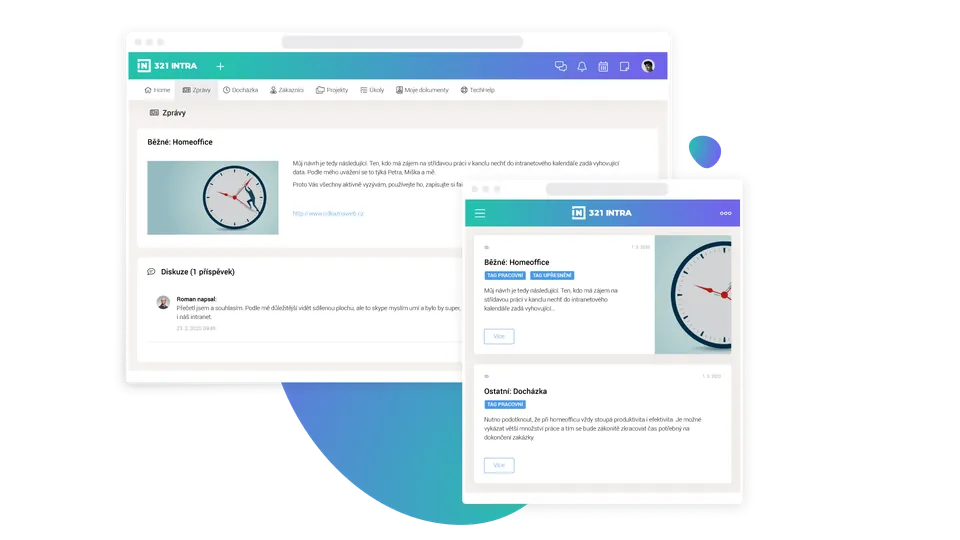
Communication
Share important information with the whole company or selected departments. See who has read each announcement.
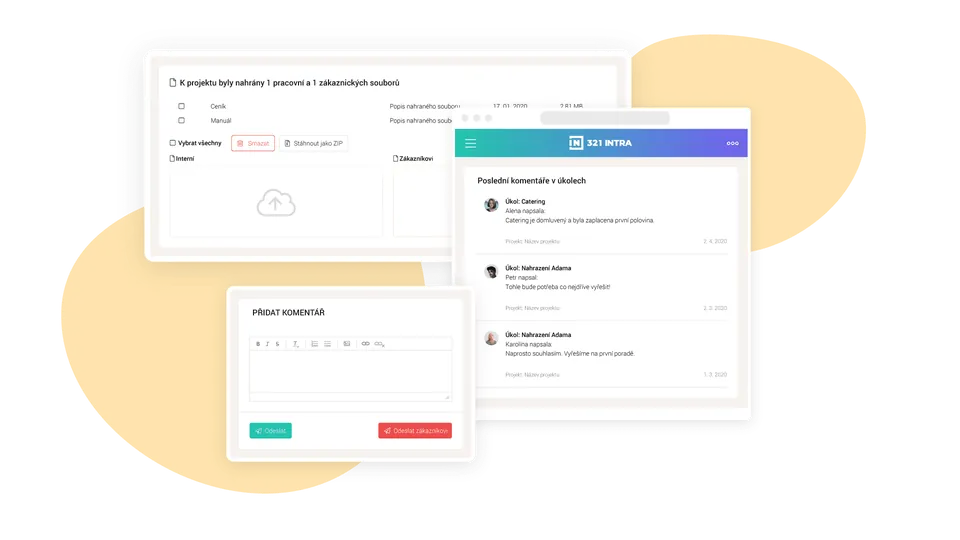
Communication
Involve clients directly in your jobs. Share work files, communicate and approve deliverables in one place.
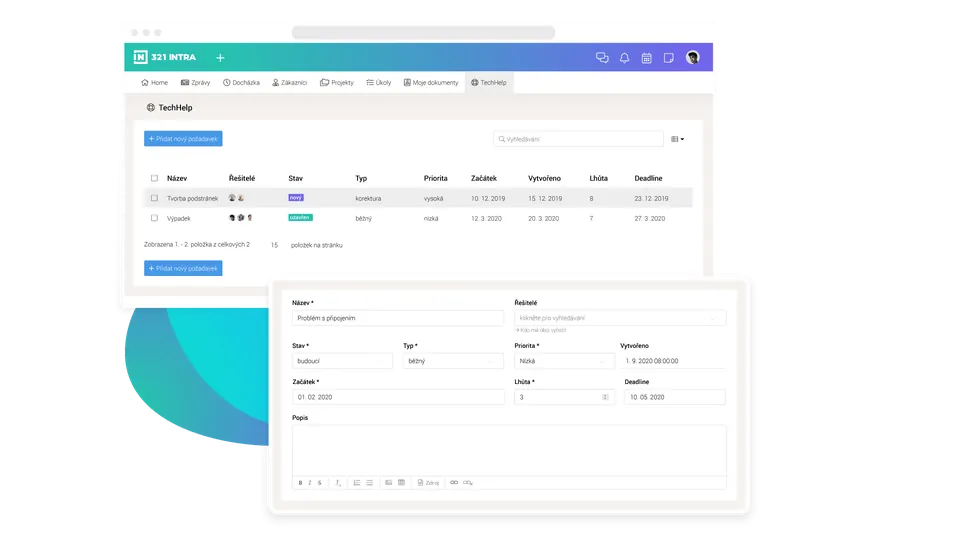
Communication
Professional customer and technical support. Log requests, set priorities and delegate them to the people responsible.
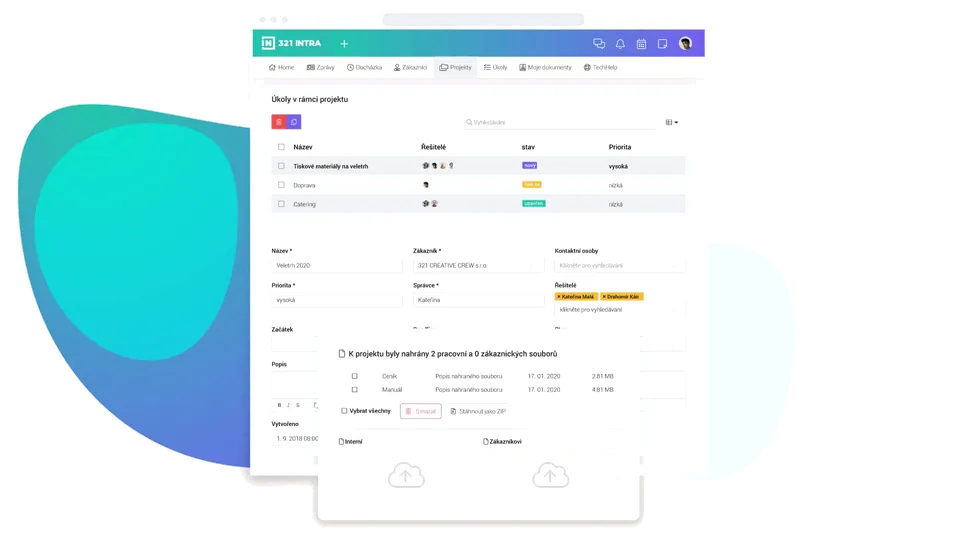
Projects and jobs
Take control of your company jobs. Organize projects, delegate tasks and track deadlines, budgets and time worked.
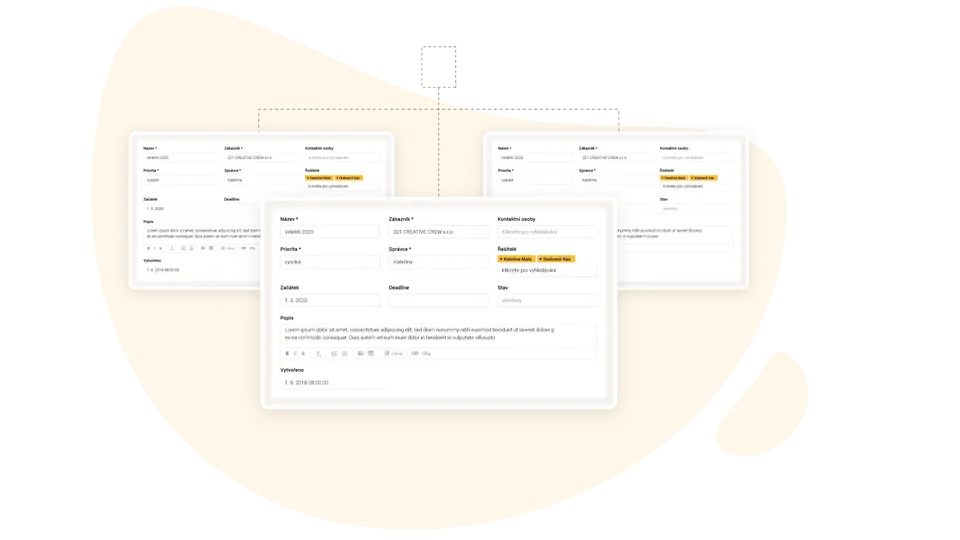
Projects and jobs
Stop creating the same projects over and over. Build your own project templates and standardize your company procedures.
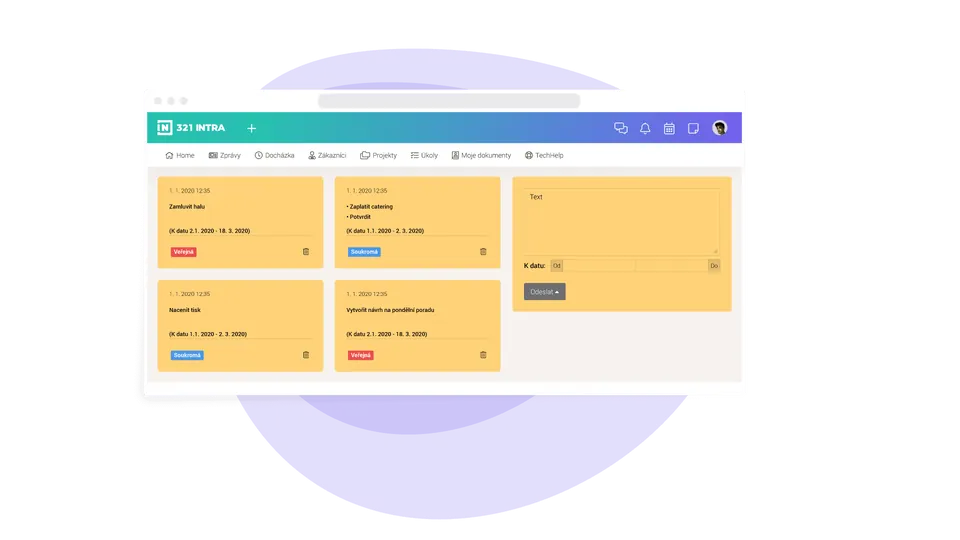
Projects and jobs
Digital notes for organizing everyday work. Replace paper sticky notes with a clear online board.
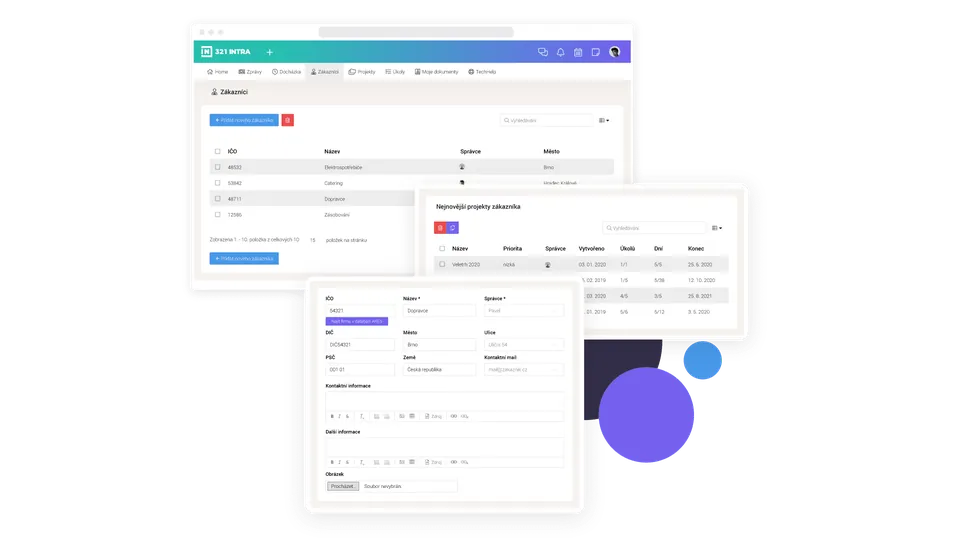
Projects and jobs
Keep clients and their jobs in one place. A central contact database linked to project management and the ARES register.
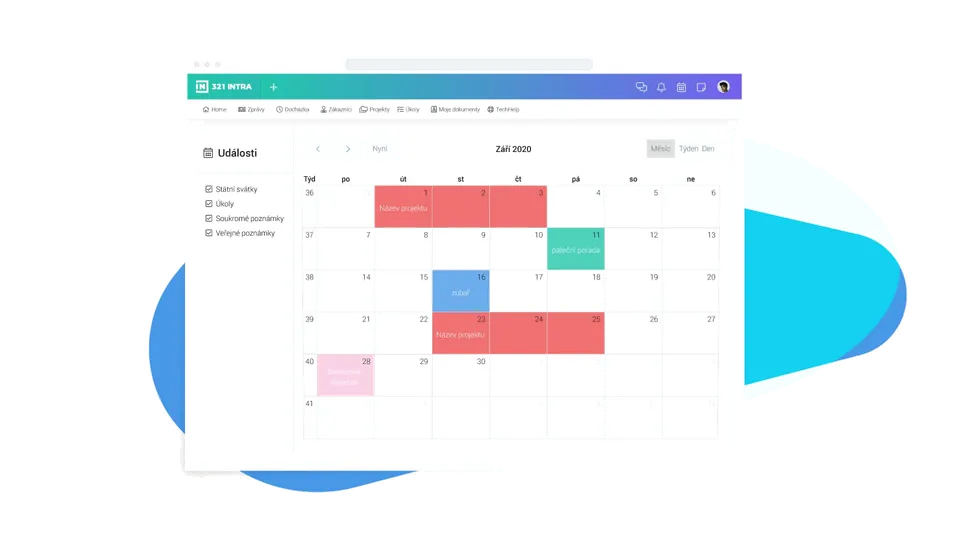
Time and planning
Organize company activities, job deadlines, meetings and employee holidays with a personal or shared calendar.
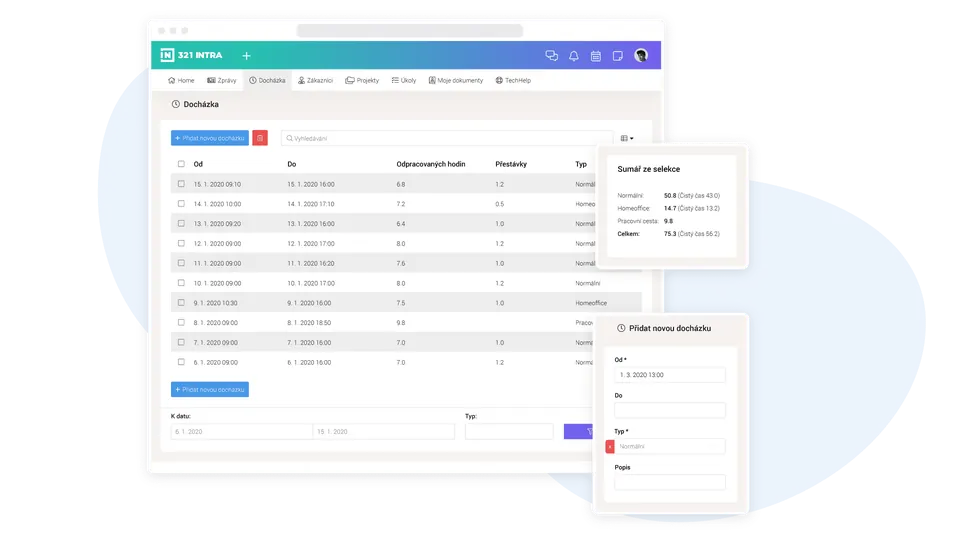
Time and planning
Modern online tracking of working hours in the office, at branches and when working from home. Easier payroll preparation.
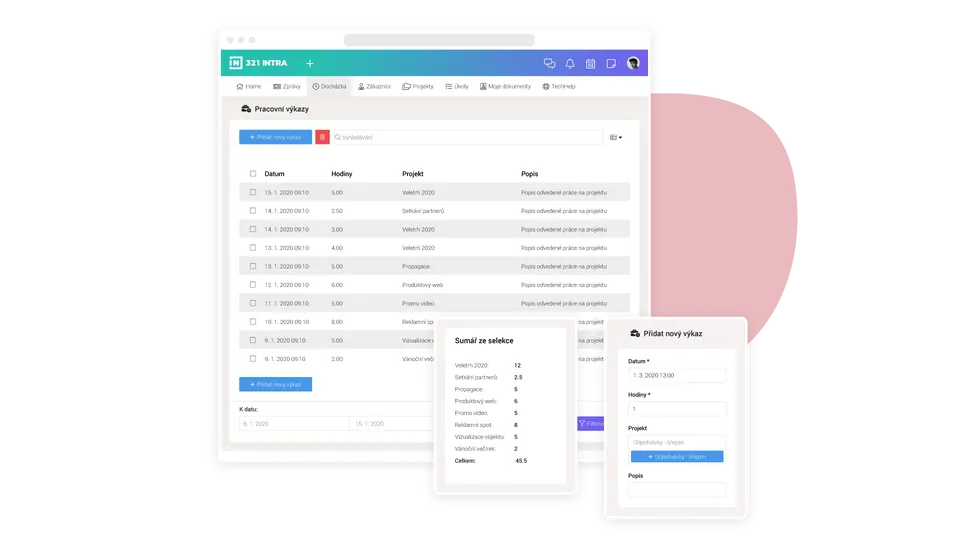
Time and planning
Find out how much time your employees really spend on each job. Get data for billing and running the company.
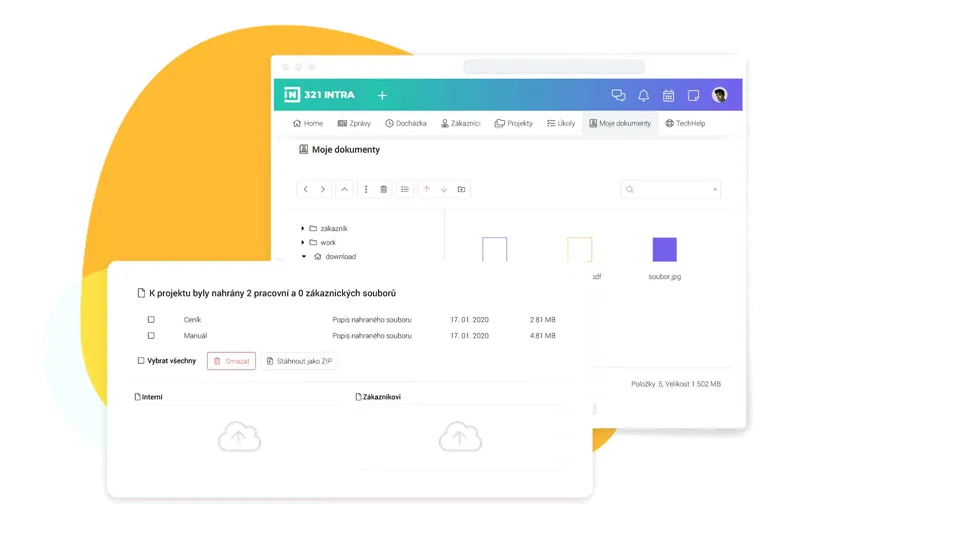
Documents
All company documents in one place. Share work files, contracts, drawings and internal documents with authorized users.
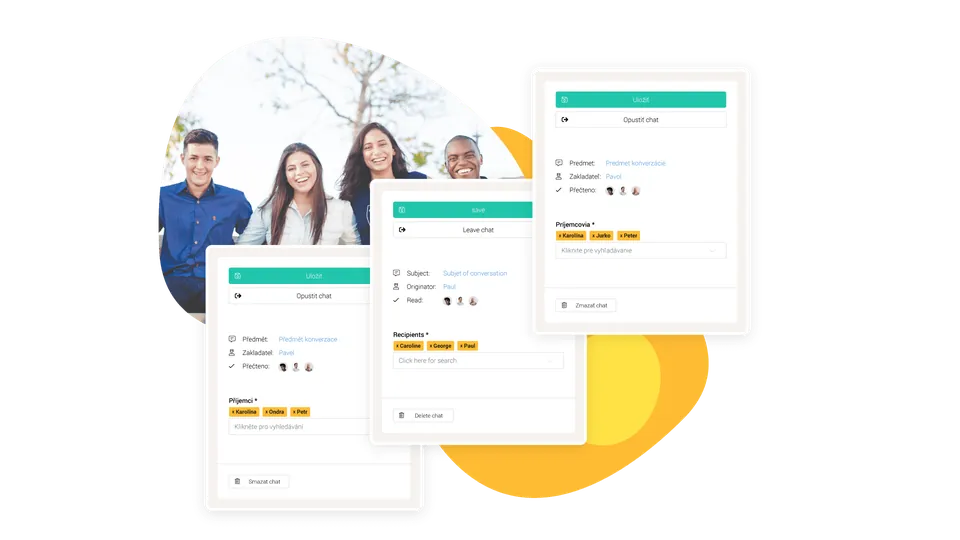
Languages
One work environment for international companies. Each employee chooses the language of their user interface.
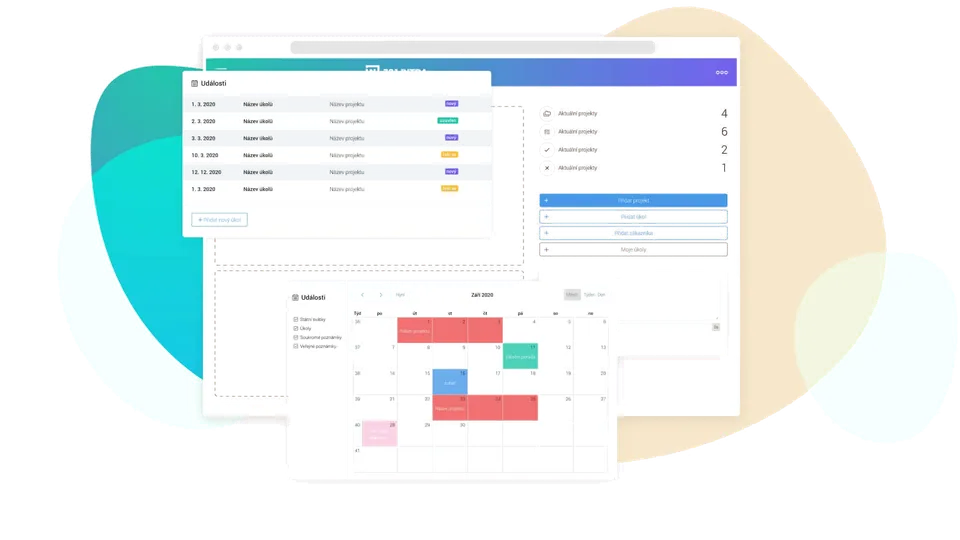
Custom
We adapt the company intranet to your work processes. Custom features, digitization, automation and integration of business systems. We also help with rollout, user permissions and online team training.
Each feature has its own page with a detailed description and related video tutorials.
All intranet featuresCommunication, jobs, attendance and documents in one online tool. No installation, clear controls and support from the team that develops the system.
All intranet featuresAll you need is a browser on a computer, tablet or phone.
321 INTRA runs in the cloud and is available 24/7. The mobile version works without installing an app, updates run automatically and data is backed up daily. Even computer beginners will find it easy to use.
Chat, notice board and task discussions in one place.
The intranet improves communication with colleagues from other departments whom you rarely meet in person. Important news does not get lost in email, and for announcements you can see who has read them.
Find deadlines, contacts and documents right away.
The intranet saves the time otherwise spent looking for deadlines, contacts and client requests. You create recurring projects from a template, and attendance and timesheets are ready for payroll.
We will develop any missing feature.
The intranet adapts to your workflow. We can build business process automation, quotes, orders with PDF output, a B2B client portal or integration with other systems.
We are here whenever you need help.
Our customer support team will help with technical issues and intranet settings, just send us an email. The video tutorials show common tasks such as logging in, settings, projects and announcements.
Getting 321 INTRA up and running is simple. You install nothing, we prepare the intranet for you and help with the setup and team training.
1. Get in touch
First contact
Tell us how many people will use the intranet and which features you need. We agree on the scope and next steps by email.
2. We set up the intranet
Your intranet address
We launch the intranet at an address like yourcompany.321intra.com and set up user permissions and the features you will use.
3. Invite your team
Colleagues and clients
You create departments and invite colleagues and, if needed, clients. Everyone sets up their own home page, and the video tutorials show you how.
4. Fine tuning
Training and custom features
We train your team online, and if a feature is missing, we develop it to fit your workflow.
Want to see how the intranet works first? Watch the video tutorials.
Answers to the questions companies ask most often before they start using 321 INTRA.
321 INTRA is a cloud company intranet. It combines team chat, project management, a calendar, a client database, a notice board, shared documents, attendance and work reports in one online tool that runs in the browser with no installation.
No. The intranet runs in the cloud and you open it in the browser on a computer, tablet or phone. The mobile version works without installing an app and updates run automatically.
Email us at help@321intra.com. We agree on the scope, launch the intranet at an address like yourcompany.321intra.com, set up user permissions and train your team online.
For companies that want communication, jobs and documents in one place. You can use the intranet in the office and in production, when working from home and for technical support of your own clients. Even computer beginners will find it easy to use.
Six: Czech, Slovak, English, German, Polish and Spanish. Each user chooses their own language, and multilingual support is not a paid extra.
Yes. When you invite a new user, you choose the colleague or client role. In a project you communicate with the client, approve deliverables and share documents, while internal discussions stay separate. See B2B communication for details.
Yes. We develop missing features, for example business process automation, a shared calendar for meeting rooms and the company fleet, quotes, orders with PDF output or integration with other systems. We also help with rollout, user permissions and online training.
You share documents, messages and calendars based on permissions and departments, so everyone sees only what they have access to. Data is backed up daily.
On the Video tutorials page you will find short videos on logging in, personal settings, projects, tasks and announcements. For technical issues, our support team at help@321intra.com will help.